How to Download Driving Licence – Complete Online Process Explained
In today’s digital age, it’s easier than ever to manage your transport-related documents online. Whether you’ve misplaced your physical driving licence or just need a soft copy for convenience, learning how to download driving licence online can save time and effort. This guide covers every method to get your digital driving licence from trusted government platforms.
Download Driving Licence Online
You can easily download your driving licence through multiple official platforms. The most reliable and secure ones are managed by the Ministry of Road Transport and Highways (MoRTH). These include the Sarathi Parivahan portal, DigiLocker, and the mParivahan app.
Steps for Downloading Your Driving Licence
Follow these steps carefully to download your DL online:
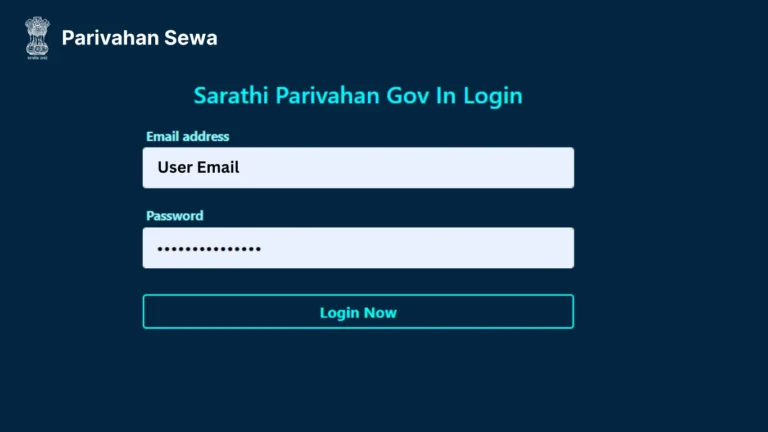
- Visit the official Sarathi Parivahan website at https://sarathi.parivahan.gov.in/.
- Select your state from the dropdown list.
- Click on “Driving Licence Related Services.”
- Choose the option “Print Driving Licence” or “Download DL.”
- Enter your Driving Licence Number and Date of Birth.
- Authenticate using the OTP sent to your registered mobile number.
- Once verified, download or print the PDF copy of your DL.
3 Methods to Download Driving Licence
You can easily download your driving licence using three major platforms approved by the government of India.
1. Sarathi Parivahan Portal
The Sarathi Parivahan portal is the official and most commonly used method to get your DL.
It provides access to all DL-related services, including renewal, address update, and status tracking.
- Visit: https://sarathi.parivahan.gov.in/
- Navigate to “Driving Licence Services.”
- Choose “Print Driving Licence” or “Download Licence.”
- Enter your DL number and download the digital copy in PDF format.
2. DigiLocker
The DigiLocker app is an initiative by the Government of India to store and verify documents online.
Your driving licence downloaded from DigiLocker is legally valid everywhere in India.
- Install the DigiLocker app or visit https://digilocker.gov.in/.
- Log in using your Aadhaar-linked account.
- Go to Issued Documents → Ministry of Road Transport and Highways.
- Select Driving Licence and download the verified copy.
3. mParivahan App
The mParivahan app offers a virtual DL that is equally recognized by traffic authorities.
- Download the app from Google Play Store or Apple App Store.
- Register using your mobile number.
- Tap on “My DL” and enter your DL number.
- Your virtual licence will appear instantly, and you can download or screenshot it for offline use.
Validity and Legal Recognition
A driving licence downloaded through Sarathi Parivahan, DigiLocker, or mParivahan holds the same legal status as a physical licence.
Traffic authorities across India accept digital copies as valid proof of driving authorization.
However, ensure your document is linked to your Aadhaar and verified by MoRTH to avoid issues during verification.
Download Learner’s Licence Online
If you have applied for a learner’s licence (LL), the download process is almost the same:
- Visit the Sarathi Parivahan portal.
- Choose your state.
- Click on “Print Learner Licence.”
- Enter your application number and date of birth.
- Download or print the learner’s licence in PDF format.
Benefits of Downloading Your Driving Licence Online
Downloading your driving licence online offers several advantages:
- Easy access anytime, anywhere.
- Safe digital backup if the original is lost or damaged.
- Accepted by traffic police and government authorities.
- Quick verification through QR code.
- Environment-friendly, no paper required.
Requirements Before Downloading Driving Licence
Before you download your DL online, make sure:
- Your DL number and date of birth are correct.
- Your mobile number is linked with your driving licence.
- You have an active internet connection.
- Your licence is issued and approved by the transport department.
Final Thoughts
Knowing how to download driving licence online helps you save valuable time and ensures you always have your licence ready when needed. Whether you choose the Sarathi Parivahan portal, DigiLocker, or mParivahan app, all platforms provide a safe and reliable way to access your digital DL.For the latest updates and detailed guides related to Parivahan Sewa, keep visiting parivahansewaaa.com — your trusted source for transport and licence information in India.